|
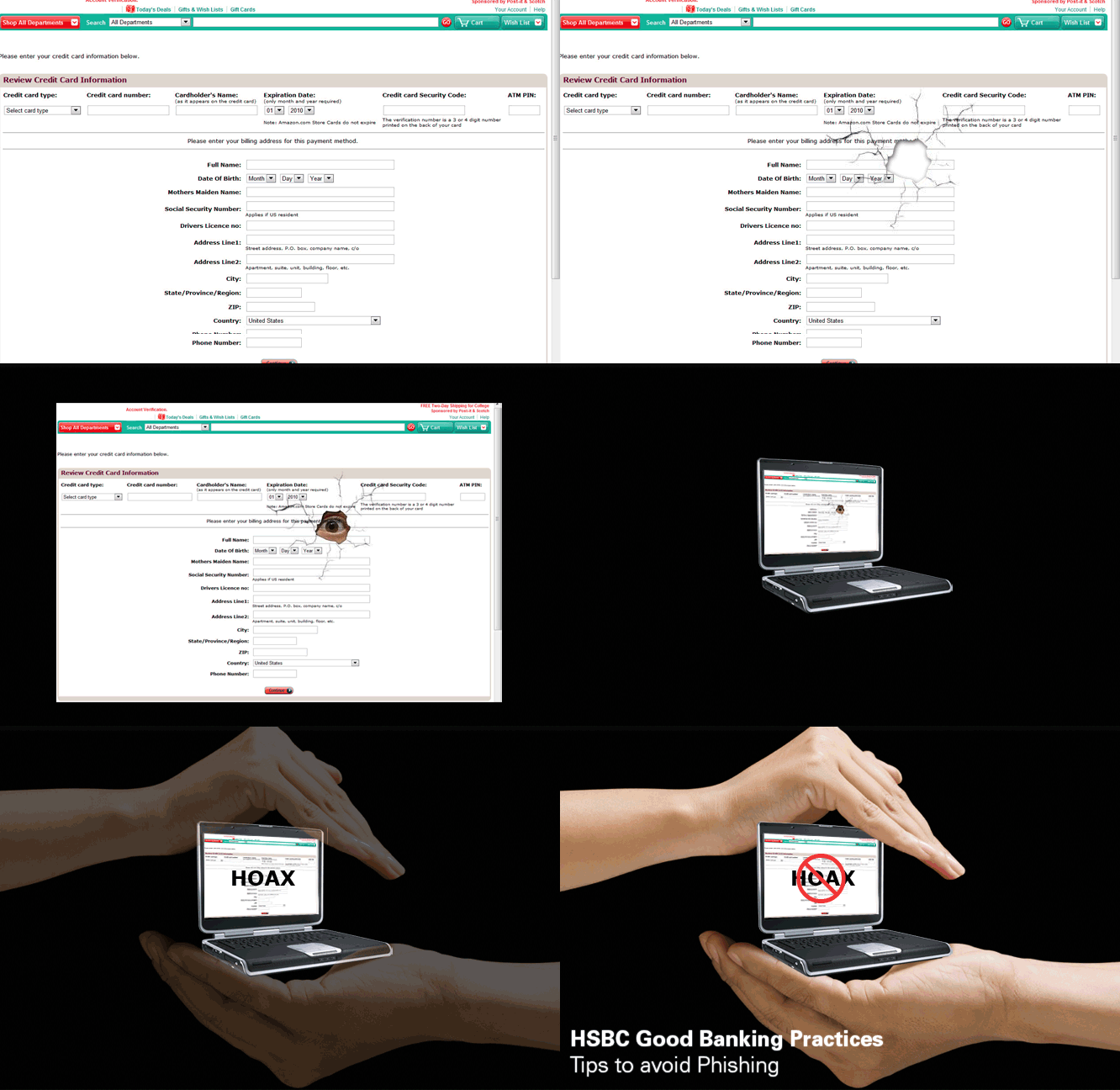
Don't give out personal information unless you are sure you know the person you are dealing with. |
|
Never click a link that offers to take you to the organisation’s website. Always check an organisation’s website by typing its URL in the address line rather than copying and pasting it. |
|
Avoid using information such as mother's name, your date of birth, your phone number, your vehicle number or name of your child, etc, as an online password. |
|
Create a strong password using alpha-numeric combinations.
Look for padlock icon  on the browser status that ensures that your information is secure during transmission on the browser status that ensures that your information is secure during transmission |
|
After you have completed a secure online transaction, sign out of the site right away.
Do not just close the window. |
|
Don't store financial information on a laptop computer unless absolutely necessary. Don't use an automatic login feature that saves your user name and password. |
|
Before disposing off a computer or hard disk, delete all personal information stored in it. |
|
Register for mobile SMS alerts to keep yourself updated. |
|
If you have provided your personal information mistakenly, inform your bank/ financial institution immediately about the situation. Also log in to your relevant account and change your username and password. |
|
HSBC never asks you to disclose your personal or security details via e-mail. If you receive such an e-mail, do not respond to it. Forward the same to info@hsbc.co.in and delete the e-mail immediately. |